Now Reading: UX Pilot AI
1
-
01
UX Pilot AI


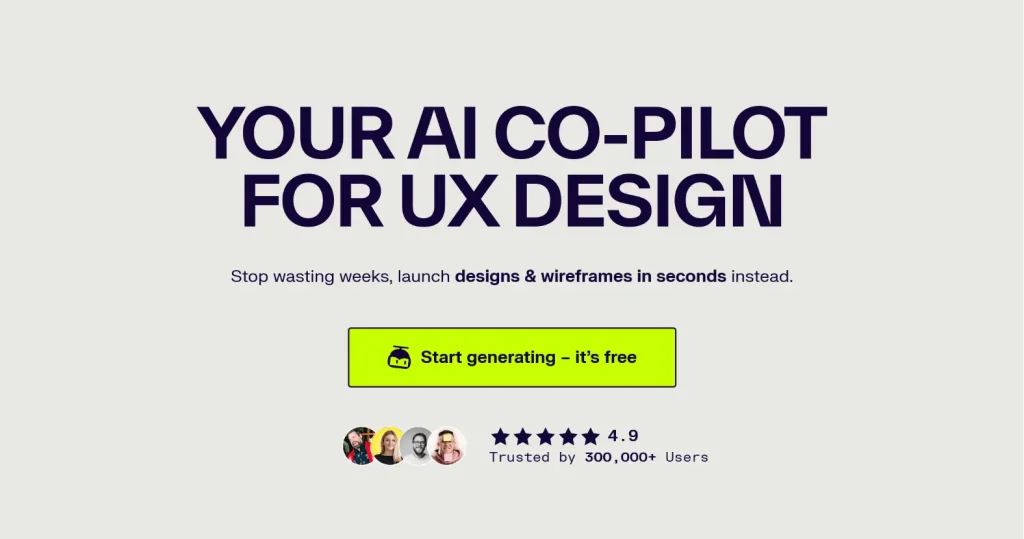
UX Pilot helps you create smarter product design with AI, done in seconds. The platform allows you to describe your design requirements in natural language and instantly produces pixel-perfect screens, with the ability to refine outputs through intelligent controls and explore unlimited design variations. It integrates directly with Figma as a plugin, enabling designers to set visual direction and brand guidelines that the AI follows when generating designs.
Key Features
- AI Wireframes & Hi-Fi UI: Start rough, finish polished—both paths supported.
- Autoflow: Describe your product; get a complete screen map you can refine before generating.
- Variations: Select a screen and spin up 1–4 alternatives that keep structure but explore layout, hierarchy, and charting.
- Reference a Page/Image: Drop a screenshot or sketch and generate a new screen with matching style and colors.
- PRD → Design — Upload a PRD to seed flows, states, and requirements.
- Import Components: Bring in your Figma components/tokens; select the system to generate on-brand.
- Export to Figma: Save for Figma and pull everything into your file with Retrieve in Figma.
- Section Edit (with AI): Rework a specific area without regenerating the whole screen.
- Prompt Enhancers: Helpful modifiers for tone, density, structure, and content.